Reading and Writing Data
readr and haven
2025-08-09
readr

| Function | Reads |
|---|---|
read_csv() |
Comma separated values |
read_csv2() |
Semi-colon separate values |
read_delim() |
General delimited files |
read_fwf() |
Fixed width files |
read_log() |
Apache log files |
read_table() |
Space separated files |
read_tsv() |
Tab delimited values |
Importing Data
R functions

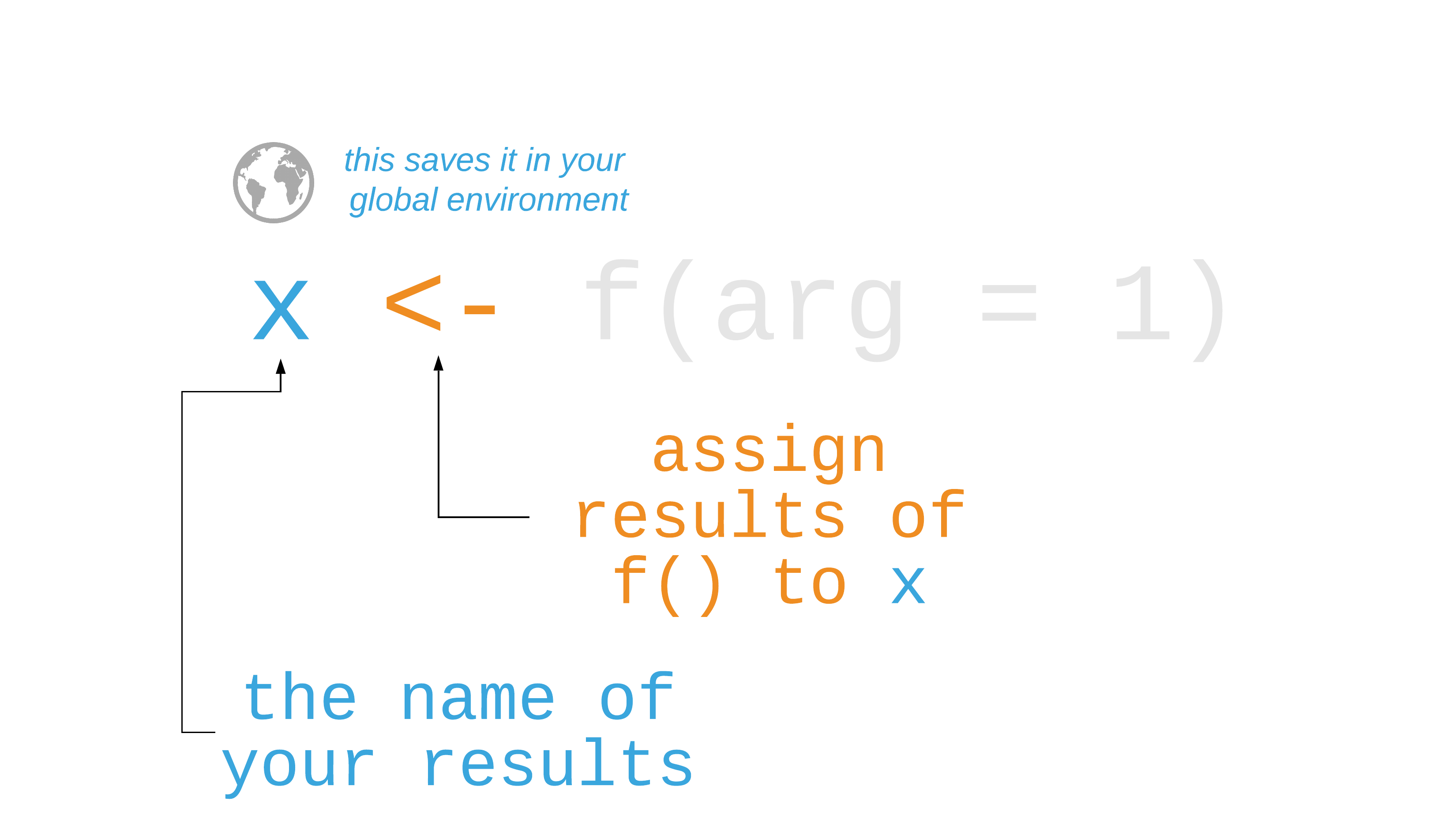
R functions
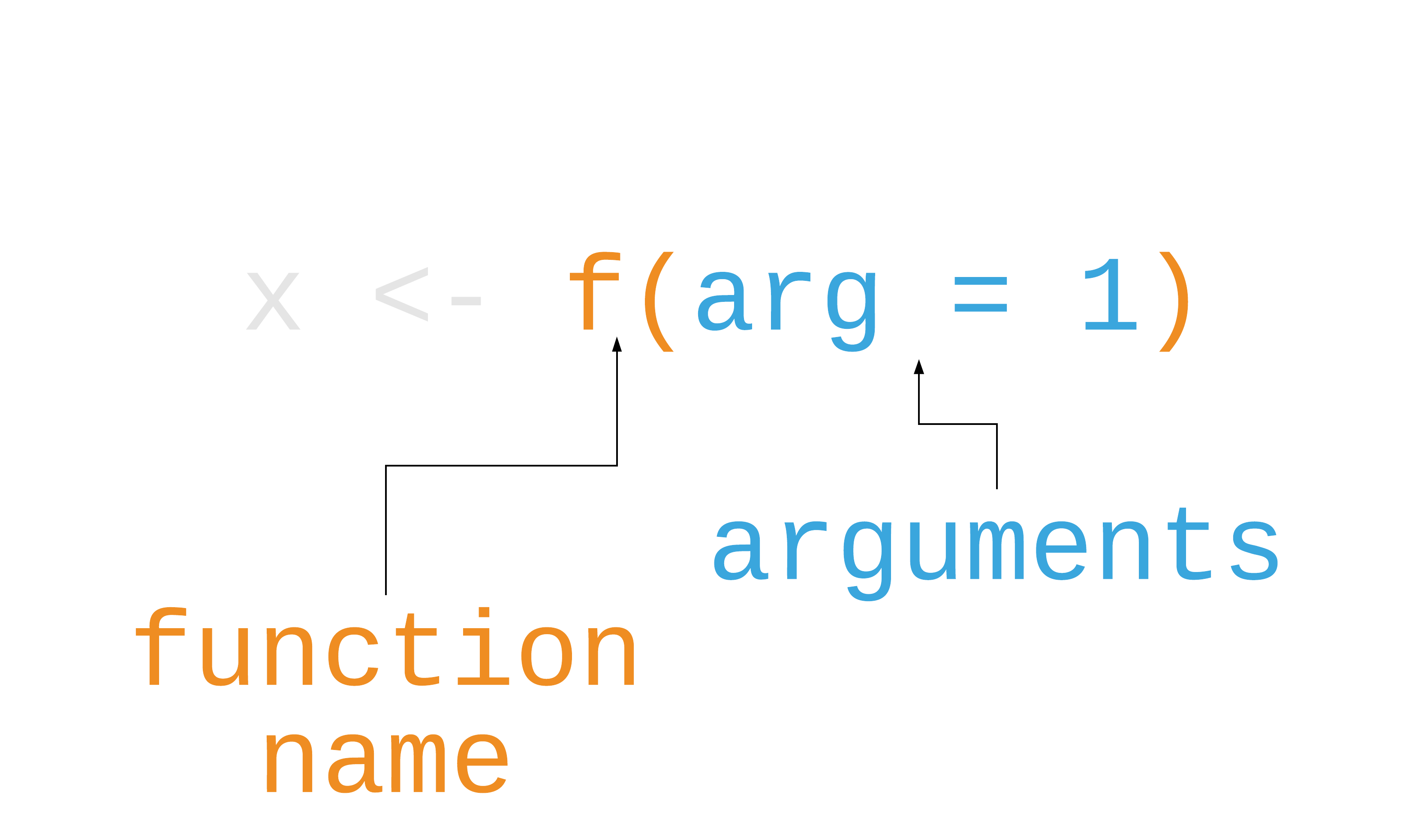
R functions
Your Turn 1
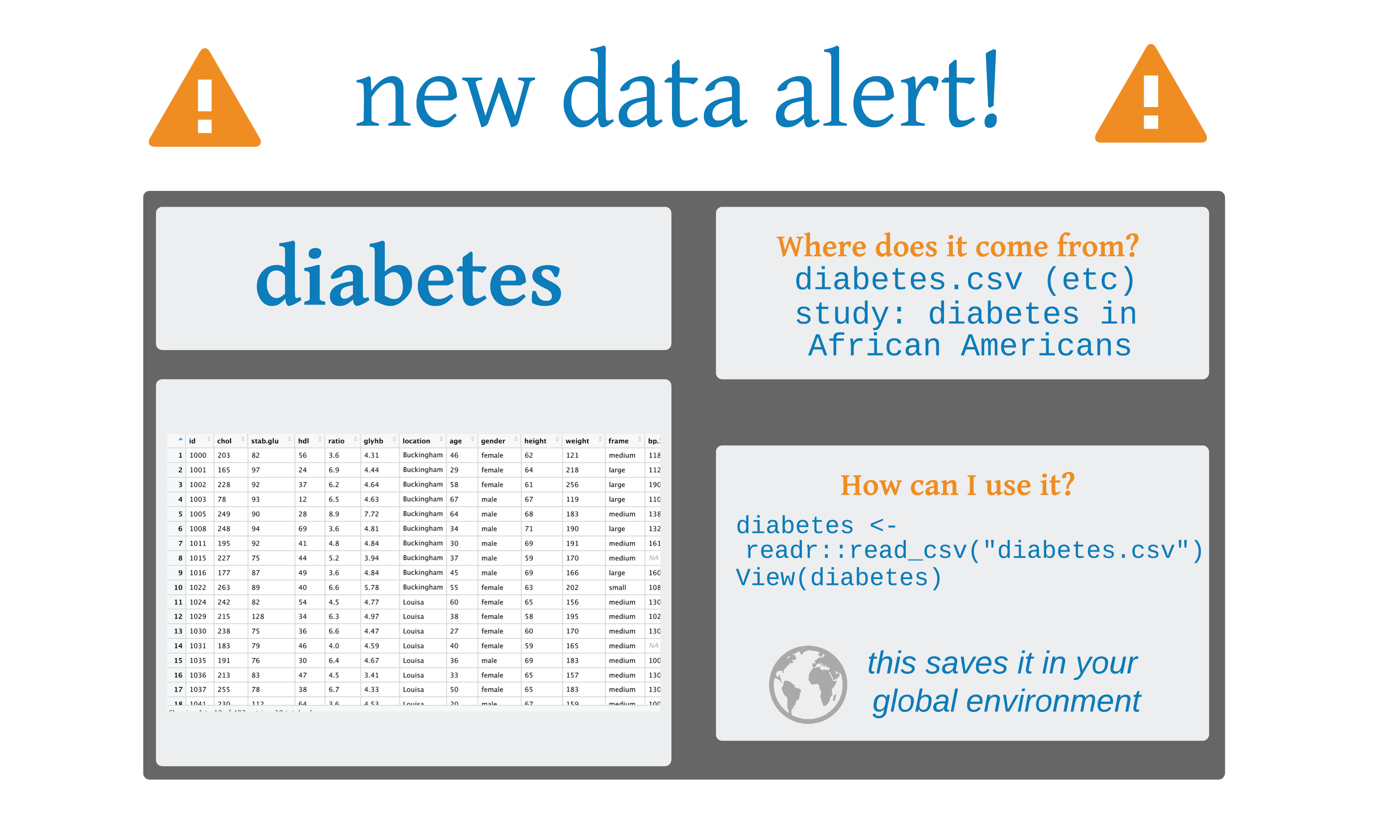
Find diabetes.csv on your computer. Then read it into an object. Then view the results.
Your Turn 1
Find diabetes.csv on your computer. Then read it into an object. Then view the results.
# A tibble: 403 × 19
      id  chol stab.glu   hdl ratio glyhb location     age
   <dbl> <dbl>    <dbl> <dbl> <dbl> <dbl> <chr>      <dbl>
 1  1000   203       82    56  3.60  4.31 Buckingham    46
 2  1001   165       97    24  6.90  4.44 Buckingham    29
 3  1002   228       92    37  6.20  4.64 Buckingham    58
 4  1003    78       93    12  6.5   4.63 Buckingham    67
 5  1005   249       90    28  8.90  7.72 Buckingham    64
 6  1008   248       94    69  3.60  4.81 Buckingham    34
 7  1011   195       92    41  4.80  4.84 Buckingham    30
 8  1015   227       75    44  5.20  3.94 Buckingham    37
 9  1016   177       87    49  3.60  4.84 Buckingham    45
10  1022   263       89    40  6.60  5.78 Buckingham    55
# ℹ 393 more rows
# ℹ 11 more variables: gender <chr>, height <dbl>,
#   weight <dbl>, frame <chr>, bp.1s <dbl>, bp.1d <dbl>, …
Tibbles
data.frames are the basic form of rectangular data in R (columns of variables, rows of observations)
read_csv() reads the data into a tibble, a modern version of the data frame.
a tibble is a data frame
Missing values
It’s common to use codes for missing values (-99, 9999)
The na option can change these values to NA
Parsing data types
The read functions in readr try to guess each data type, but sometimes it’s wrong
To tell readr how to parse the columns, add the argument col_types to read_csv()
Parsing data types
Or use a string for each variable type: col_type = "cci"
Parsing data types
Or use a string for each variable type: col_type = “cci”
| letter | type |
|---|---|
c |
character |
i |
integer |
n |
number |
d |
double |
l |
logical |
D |
date |
T |
date time |
t |
time |
? |
guess the type |
_ or - |
skip the column |
Your Turn 2
Set the 4 column types to be: integer, double, character, and unknown (guess)
Your Turn 2
Set the 4 column types to be: integer, double, character, and unknown (guess)
haven

| Function | Software |
|---|---|
read_sas() |
SAS |
read_xpt() |
SAS |
read_spss() |
SPSS |
read_sav() |
SPSS |
read_por() |
SPSS |
read_stata() |
Stata |
read_dta() |
Stata |
Heads up!
haven is not a core member of the tidyverse. That means you need to load it with library(haven).
Your Turn 3
There are several versions of the diabetes file besides CSV. Pick a file format you or your colleagues use and import them using the corresponding function from haven.
Your Turn 3
Your Turn 3
# A tibble: 403 × 19
      id  chol stab_glu   hdl ratio glyhb location     age
   <dbl> <dbl>    <dbl> <dbl> <dbl> <dbl> <chr>      <dbl>
 1  1000   203       82    56  3.60  4.31 Buckingham    46
 2  1001   165       97    24  6.90  4.44 Buckingham    29
 3  1002   228       92    37  6.20  4.64 Buckingham    58
 4  1003    78       93    12  6.5   4.63 Buckingham    67
 5  1005   249       90    28  8.90  7.72 Buckingham    64
 6  1008   248       94    69  3.60  4.81 Buckingham    34
 7  1011   195       92    41  4.80  4.84 Buckingham    30
 8  1015   227       75    44  5.20  3.94 Buckingham    37
 9  1016   177       87    49  3.60  4.84 Buckingham    45
10  1022   263       89    40  6.60  5.78 Buckingham    55
# ℹ 393 more rows
# ℹ 11 more variables: gender <chr>, height <dbl>,
#   weight <dbl>, frame <chr>, bp_1s <dbl>, bp_1d <dbl>, …
Writing data
| Function | Writes |
|---|---|
write_csv() |
Comma separated values |
write_excel_csv() |
CSV that you plan to open in Excel |
write_delim() |
General delimited files |
write_file() |
A single string, written as is |
write_lines() |
A vector of strings, one string per line |
write_tsv() |
Tab delimited values |
write_rds() |
A data type used by R to save objects |
write_xpt() |
SAS transport format, .xpt |
write_sas() |
SAS .sas7bdat files (experimental) |
write_sav() |
SPSS .sav files |
write_stata() |
Stata .dta files |